
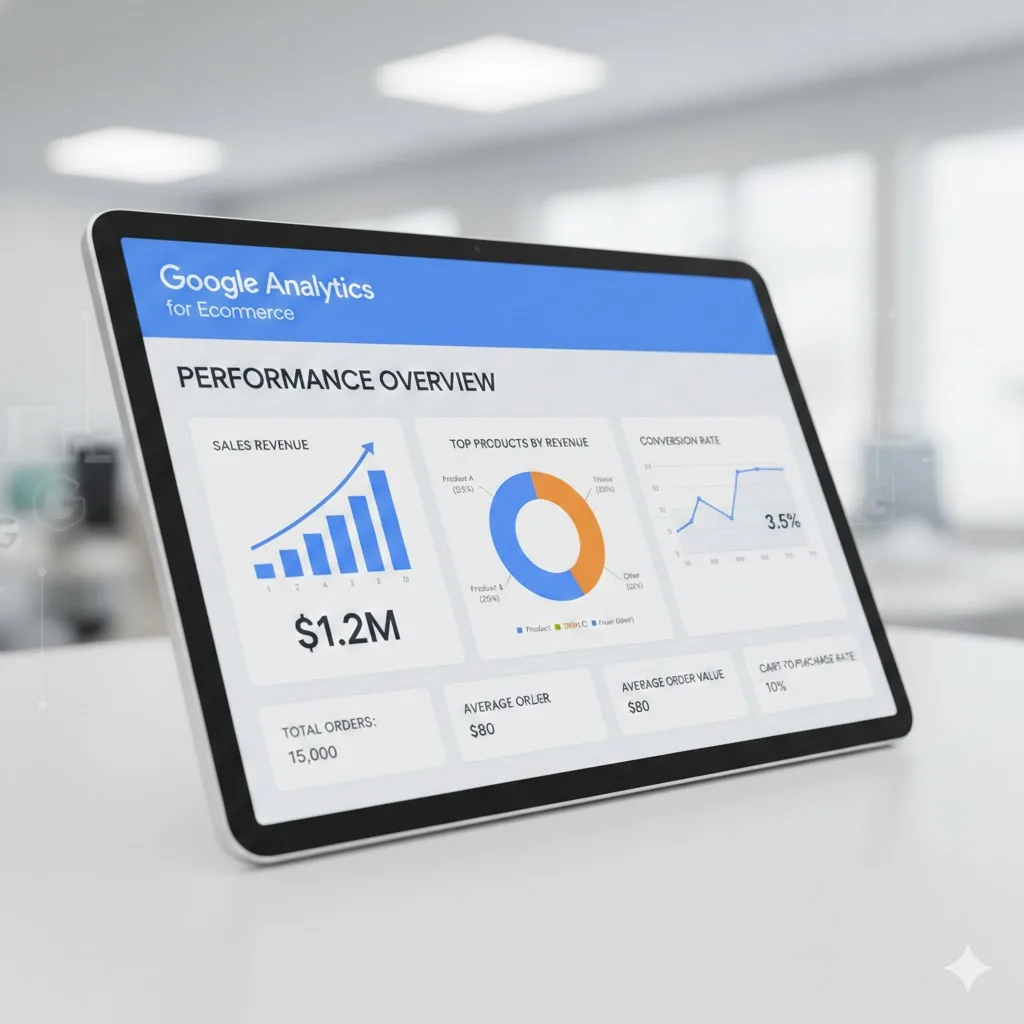
Google Analytics for Ecommerce: A Beginner’s Guide

Ok so, if you’re running an online store and you don’t know what your customers are actually doing on your site… well, you’re kinda flying blind. That’s where Google Analytics for Ecommerce comes in. It basically shows you everything: what people click on, what they buy, what they ignore, and where they bail out. And no, you don’t need to be a tech wizard or pay some fancy agency to use it.
I’m gonna try to explain it simple-ish and messy-ish, so you actually get it and can start using it today.
What is Google Analytics for Ecommerce?

So basically, Google Analytics for Ecommerce is this free tool from Google that tells you what’s happening on your site. Not just pageviews or clicks, it tells you the real stuff: how users move around, what products they check out, and what they actually buy.
The new version GA4 is different from the old one (GA3) because it’s event-based. That’s fancy talk for “every little thing a person does is an event,” instead of counting it all in one boring session. So now you can see that a person clicked on a red shirt, then added it to cart, then left and came back later. It keeps track of the same user properly.
Why you actually need it?
Without Google Analytics for Ecommerce, you’re guessing. And guessing online is bad. With it you can see stuff like:
Which products are hot, which are not
How long people spend on your product pages
Where your traffic comes from (Instagram, TikTok, Google…)
Who adds stuff to their cart but never buys
What devices people use
This is gold because it tells you where to focus your marketing money and what to fix on your site.
How to set it up without losing your mind?
Honestly, it’s not that bad. Here’s a messy step-by-step:
Sign up for Google Analytics – just a free Google account will do. Use your business email if you have one.
Add your website – they call this a “property.” Name it, set timezone and currency. Done.
Data streams – sounds complicated but it’s just where GA collects your info. If you have a website and an app, set up one stream for each. Shopify users? Super easy with the Google & YouTube app.
Ecommerce events – this is where it tracks actions like:
Pageviews
Adding products to cart
Checkout started
Payment info added
Purchase completed
Shopify does some of this automatically. Custom sites? You’ll probably need a dev to help.
Data retention – GA4 keeps event-level data for 2 months by default. Selling something expensive with a long buying cycle? Extend it up to 14 months so you don’t lose data.
Test everything – check your real-time reports, click around, make sure GA sees it. Small typos in code can mess up your tracking, trust me.
How to actually use Google Analytics for Ecommerce

Ok, now you’ve got data… what do you do?
Find your best customers – segment users by device, location, or behavior. Mobile users drop off a lot? Fix your mobile checkout.
Track marketing – UTM links are your friend. Know which ad, post, or email actually brings sales, not just clicks.
Retarget with Google Ads – link GA4 to Ads and show ads to people who added to cart but didn’t buy. Money.
See the journey – GA shows the path from first click to checkout. Spot friction and fix it.
Custom dashboards – GA lets you make dashboards for the stuff YOU care about. Track events, revenue, anything.
Why you shouldn’t ignore it

Using Google Analytics for Ecommerce is free, accurate, and basically a cheat code for online stores. You can see what’s working, what’s not, and make smarter decisions. Shopify, WooCommerce, custom sites—doesn’t matter, GA4 works everywhere.
Even if you’re small, start tracking. Over time, you’ll see patterns. You’ll know which products to push, which pages to tweak, and which marketing channels are actually bringing in money. Without it, you’re just hoping people buy. With it, you can make them buy.
Final thought
Google Analytics for Ecommerce = free, super useful, shows you what your visitors do, helps you fix your site and marketing, boosts sales.
Set it up, track events, check your dashboards, and don’t panic if it’s messy at first. You’ll get it. reach out to us for more information.